
dynamic ads · managed service
Dynamic ads, built from your product feed.
In a catalog ad, the product image does most of the talking. We put the price, the offer and anything else in your feed right on it, as images and as video. One template, every product, run by our team.
Works with your store platform or an existing feed. See integrations
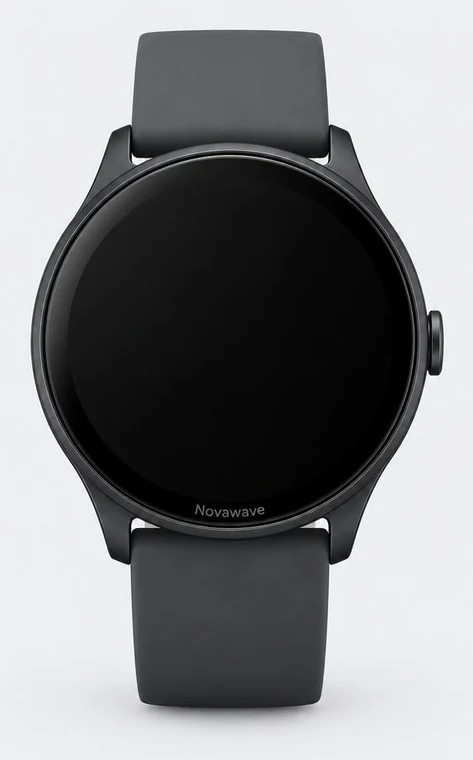
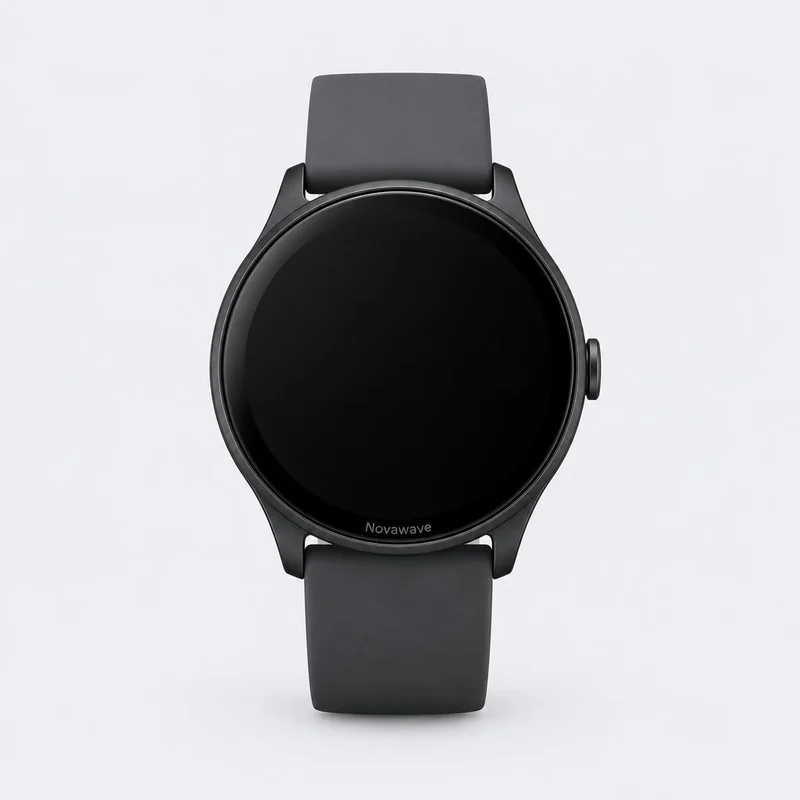
50-second walkthrough
See a product photo become an ad.
From the plain feed image to price, stock, logo and seasonal frame, then to video.
the problem
A product photo is not an ad.
By default, a catalog ad shows the same photo your store uses. The price and the promo sit in small text below it. Dynamic ads move that information onto the image, where people are already looking.
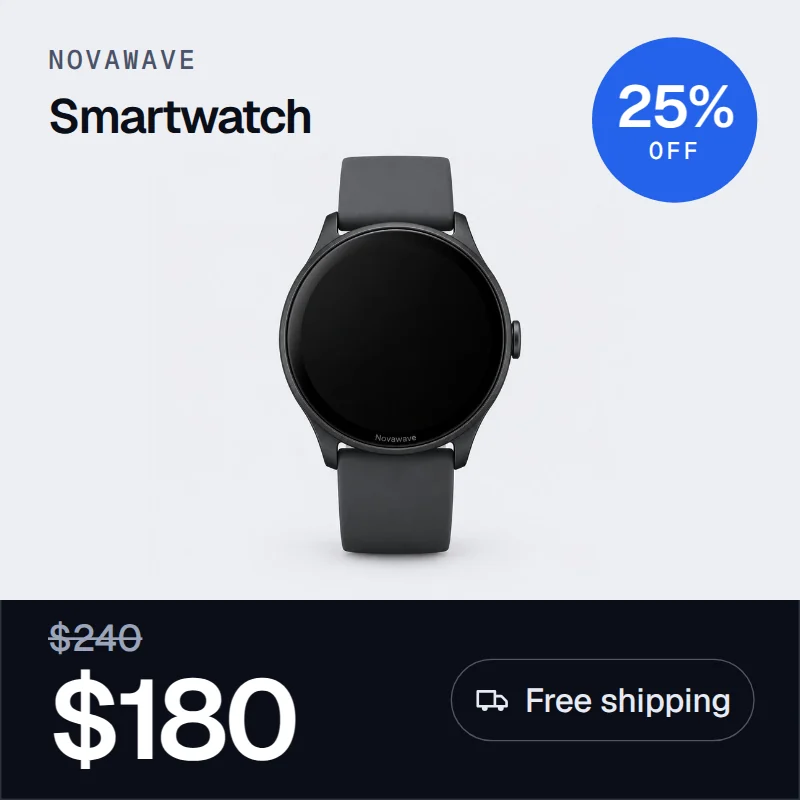
any field
If it's in your feed, it can go on the image.
The price, the discount and free shipping are the start. Installments, stock, tags, your logo, a frame for the season: each one is a field or an asset we map to its place in your template.
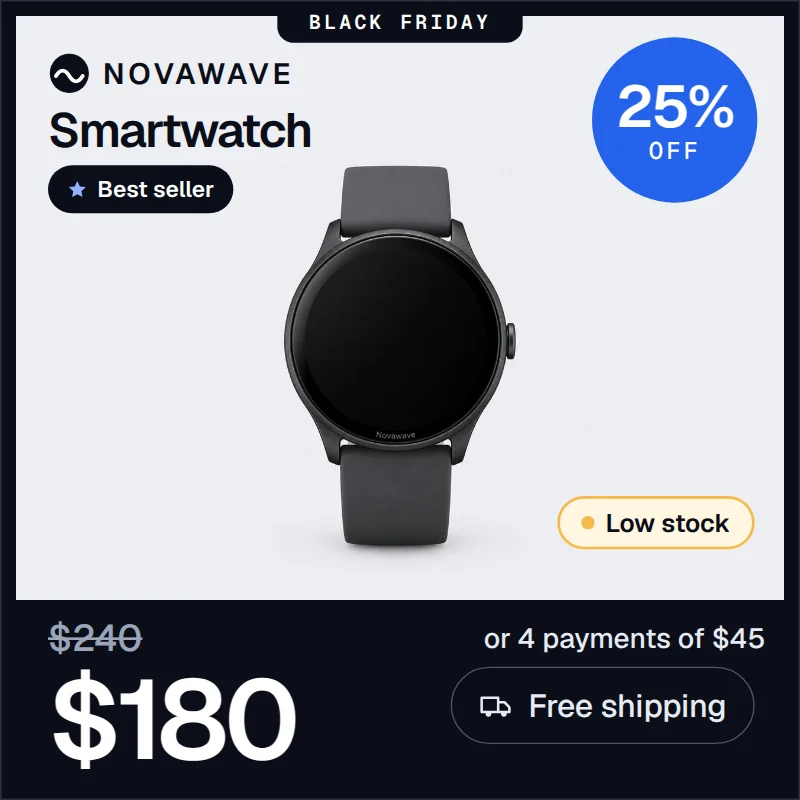
- Sale price{sale_price}
- Regular price{price}
- Discount{price} − {sale_price}
- Free shipping{shipping}
- Installments{installment}
- Stock level{availability}
- Tag{custom_label_0}
- Your logobrand asset
- Seasonal framecampaign
And whatever else your feed carries: sizes, materials, delivery estimates, custom labels. If you can describe it, we can place it.
dynamic videos
The same template, in motion.
Dynamic videos run on the same feed data as your images. Each product gets its own clip: the photo, the price and the offer, animated in your brand's layout.
by category
Built around what your category needs to say.
Price, financing, availability.
Shoppers compare on price and payment terms. Put the sale price, the installment plan and the stock level where they can't be missed.
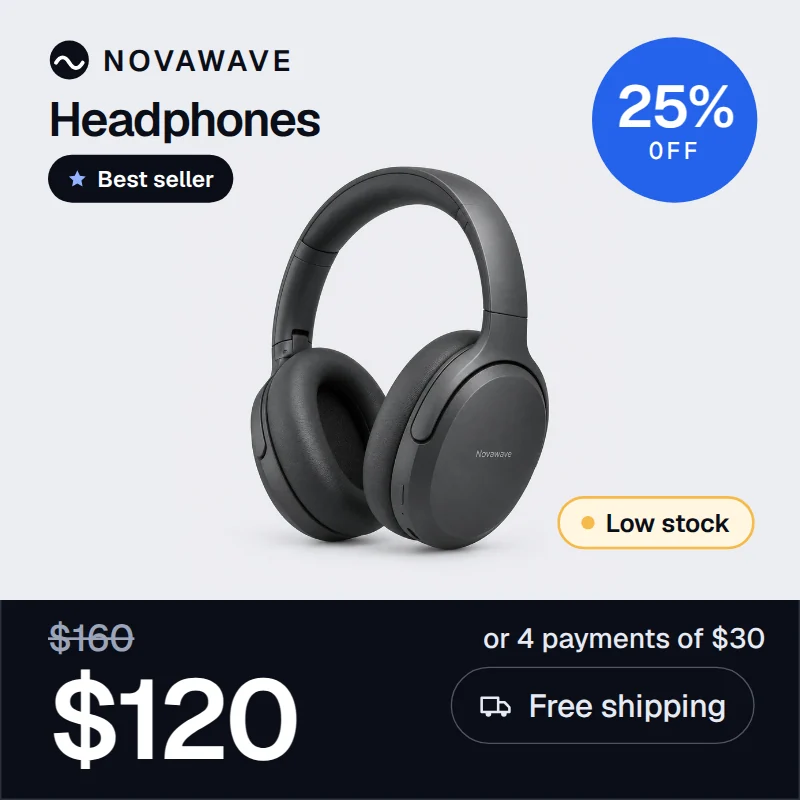
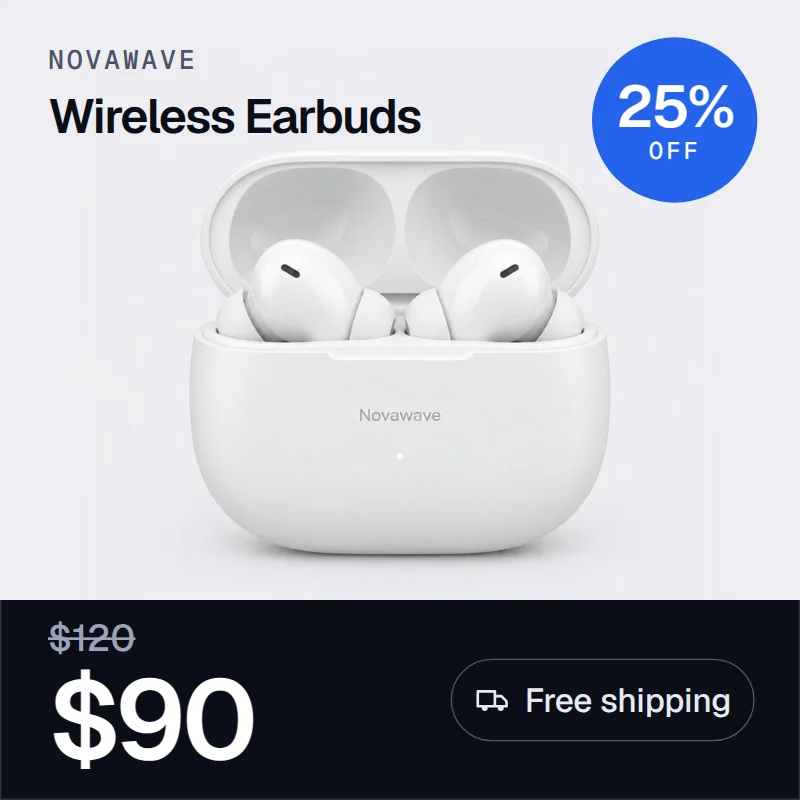
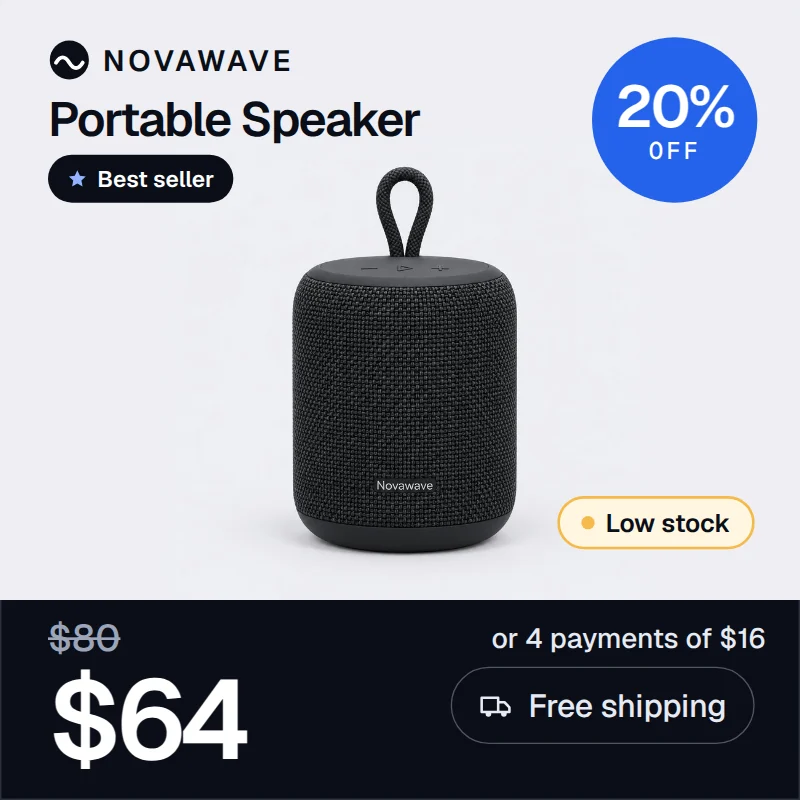
Materials, sizes, the offer.
Details decide the purchase. Show them next to the price in a layout that keeps the product photo clean.
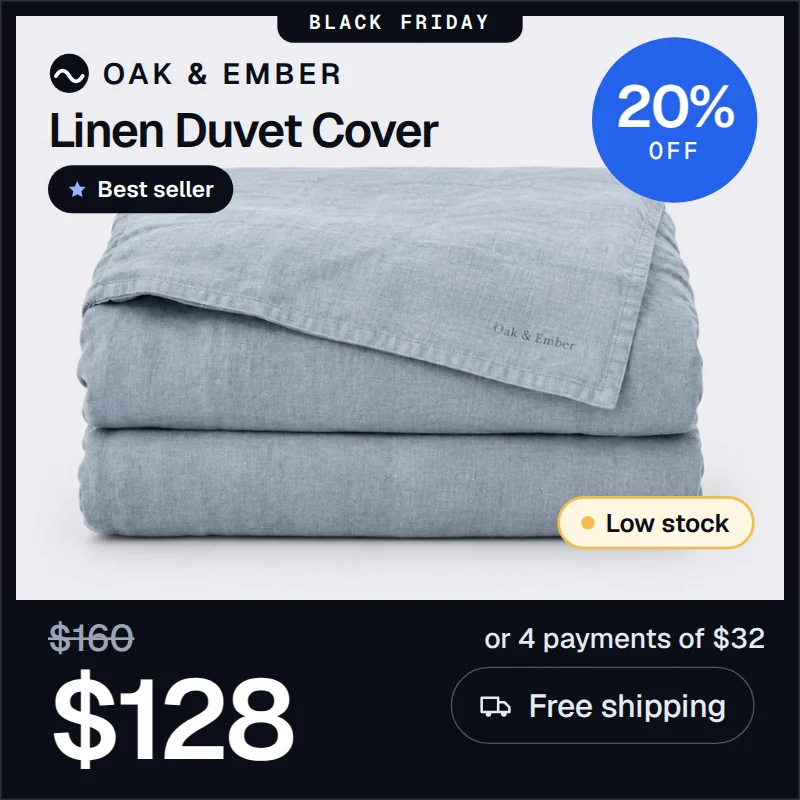
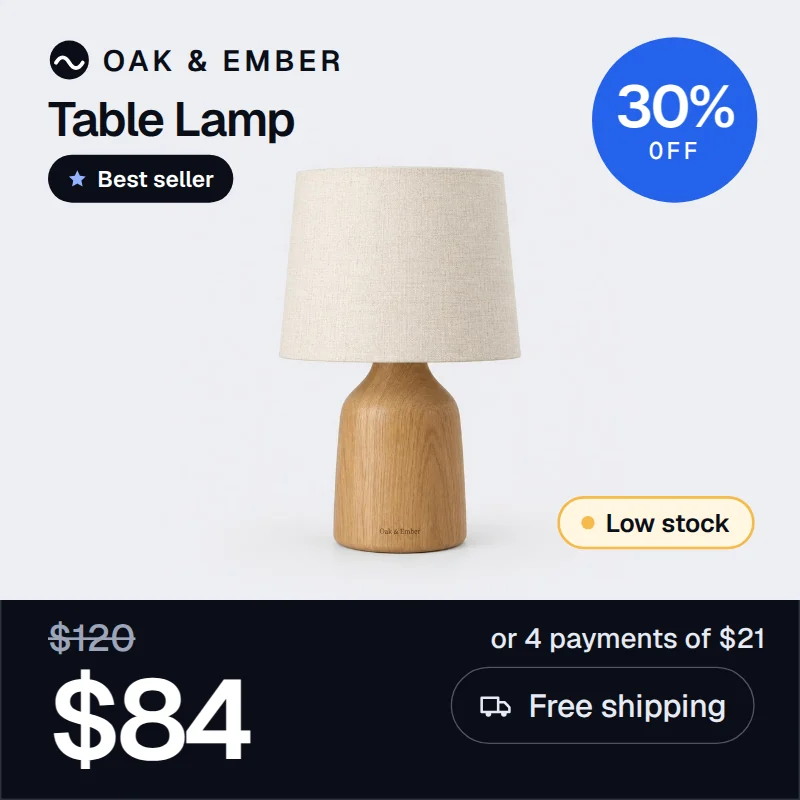
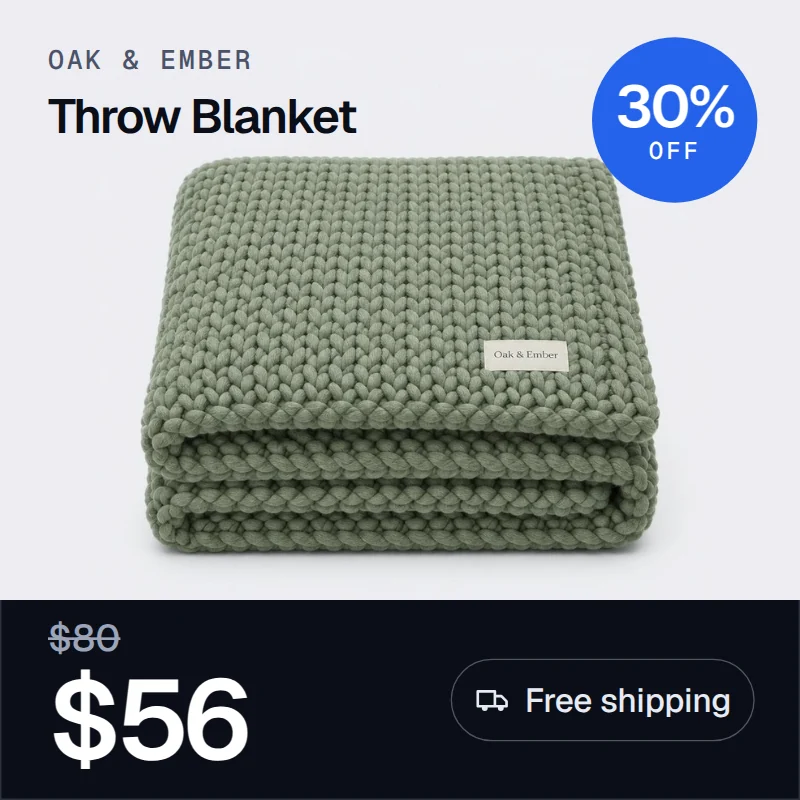
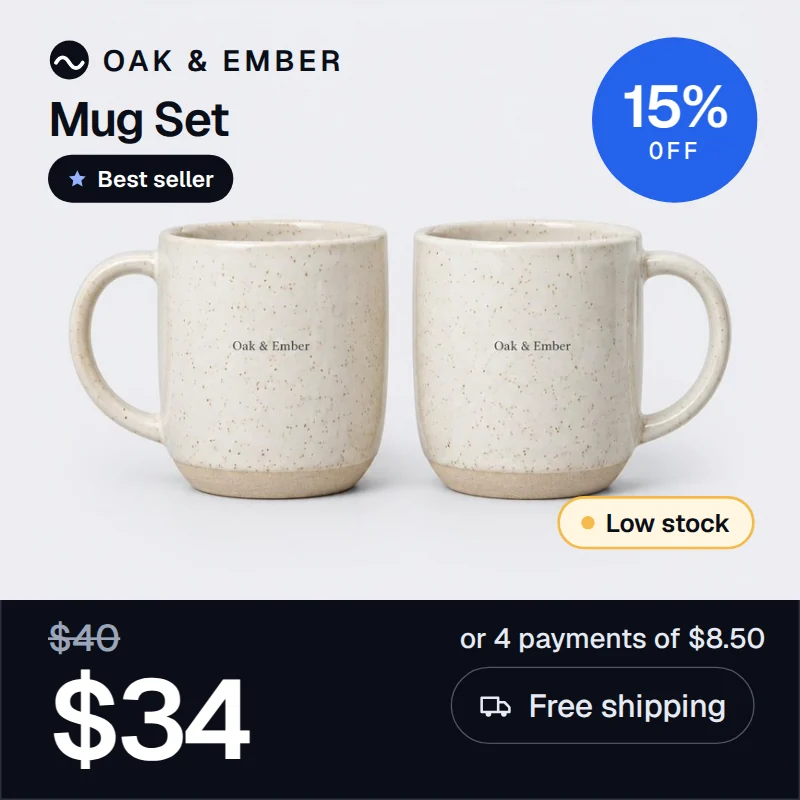
The small print, made visible.
Size, key ingredient, bundle offer. Details that usually hide in the description move onto the image.




New drops, last pairs, sale prices.
Flag new arrivals, low stock and markdowns per product, without redoing creatives every season.
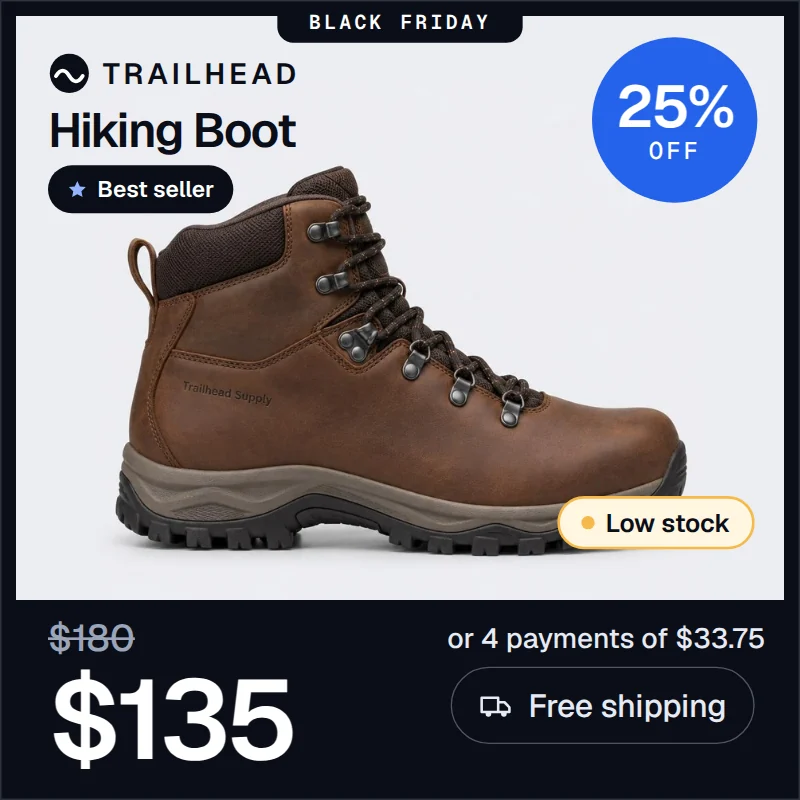


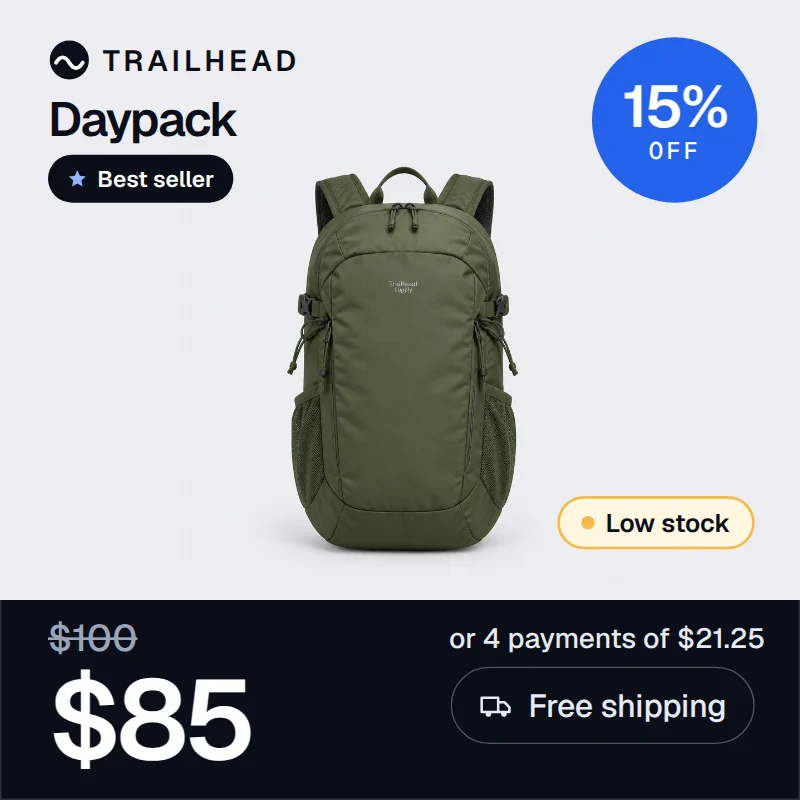
Every product, its own offer.
Bundles, free-shipping thresholds, best sellers. Each product carries its own message from the same template.
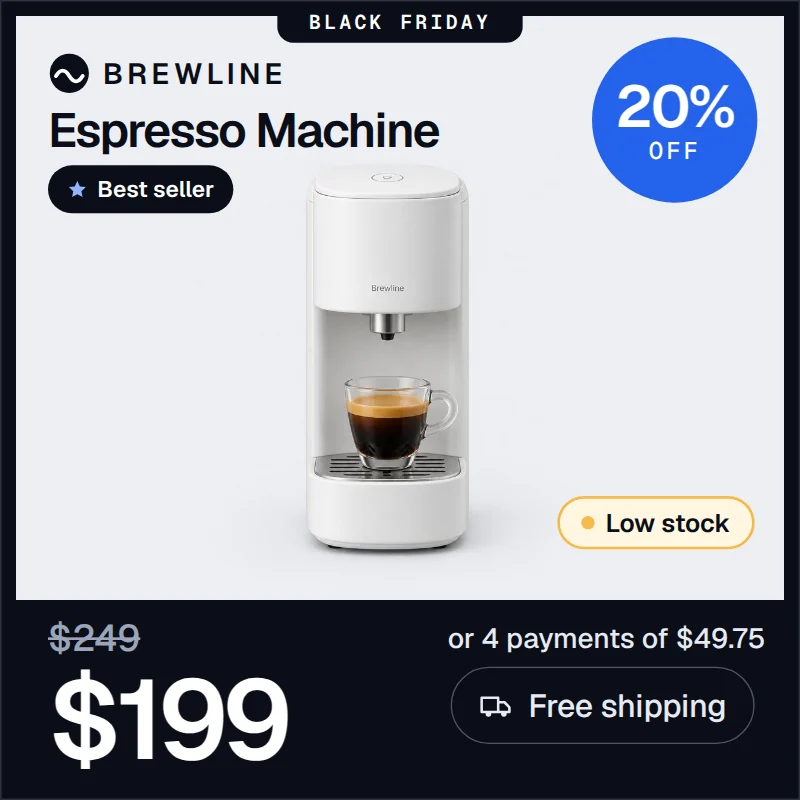
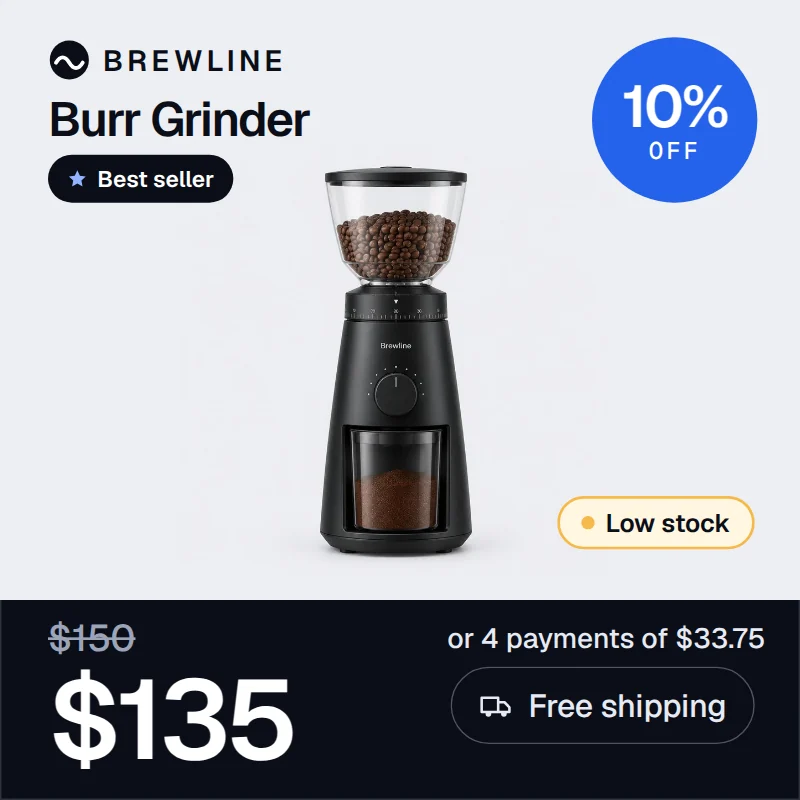
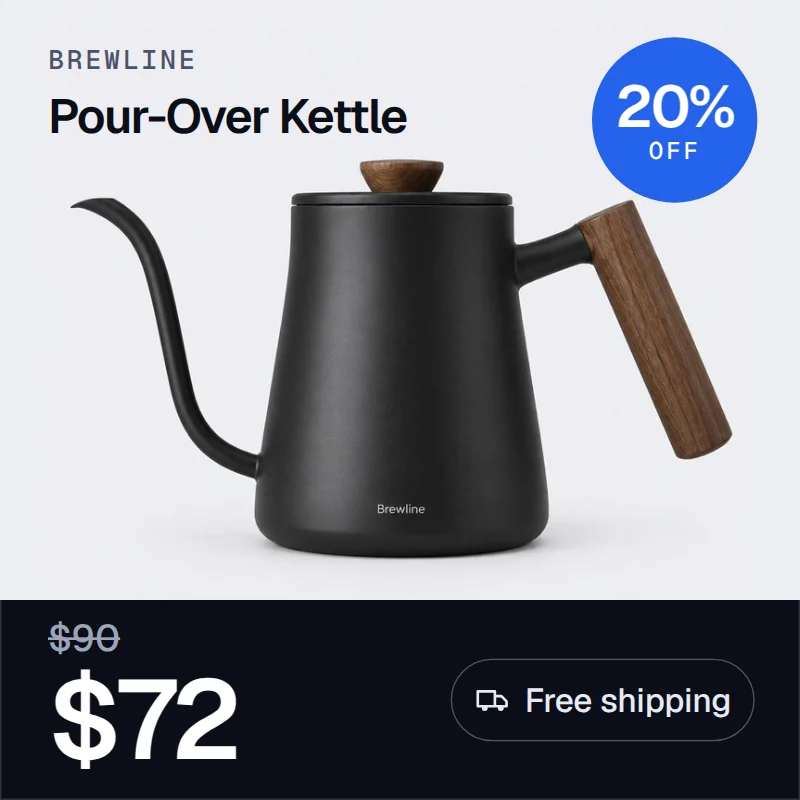
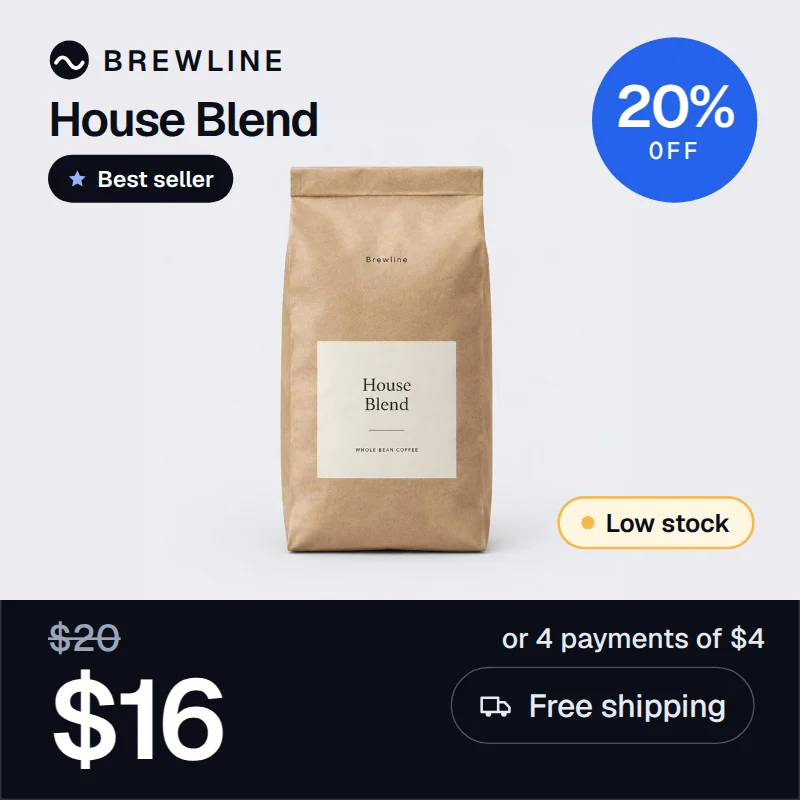
Demo brands and demo data. Your templates follow your own brand.
managed service
You don't build any of it.
Dynamic ads at IRONFEED are a managed service. You tell us what you want to show. Our team does the rest.
- 01
Tell us what to show
Price, stock, a seasonal frame, your brand rules. A short brief is enough.
- 02
We design and connect
We build the templates in your brand and map each feed field to its place on the image.
- 03
Your catalog ads run with it
Every product in your catalog gets its own image and video. When you need a change, we make it.
One template. Your whole catalog.
questions
Dynamic ads, answered.
What are dynamic ads?
Dynamic ads are catalog ads whose images and videos are generated from your product feed. Each product gets its own creative, with its own price, offer and details, from a single template.
What can go on the image?
Any field in your feed: price, sale price, discount, shipping, installments, stock, custom labels. Plus brand elements like your logo and seasonal frames.
Do I need a designer or a developer?
No. Dynamic ads are a managed service. Our team designs the templates, connects your feed and maintains everything. You tell us what you want to show.
Do you also make videos?
Yes. Dynamic videos use the same template and the same feed data as the images, in motion. Each product gets its own clip.
Where does my catalog come from?
IRONFEED imports your catalog from your store platform or from an existing product feed. See the integrations page for the full list.
How do I get started?
Request a demo. We'll go through your catalog and what you want your ads to show.
request a demo
See it on your own catalog.
Tell us about your store and what you'd like your ads to show. We'll set up a demo.
Dynamic ads run on IRONFEED's feed management: your catalog is imported, fixed with rules and audited first.FeaturesIntegrationsFree feed audit