Your feed already has the offer. Now your ads show it.
We turn every product in your catalog into an ad with the price, the discount, the stock and your logo right on the image, as images and as video. Our team designs it, connects it and keeps it running.
Handled by our team, not yours
- Template design
- Feed connection
- Ongoing maintenance
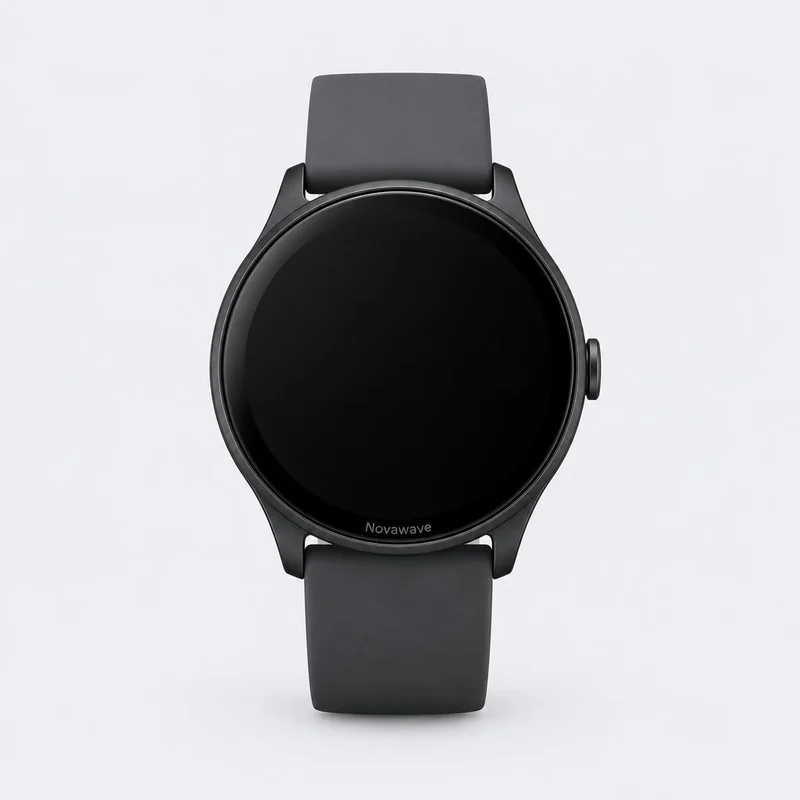
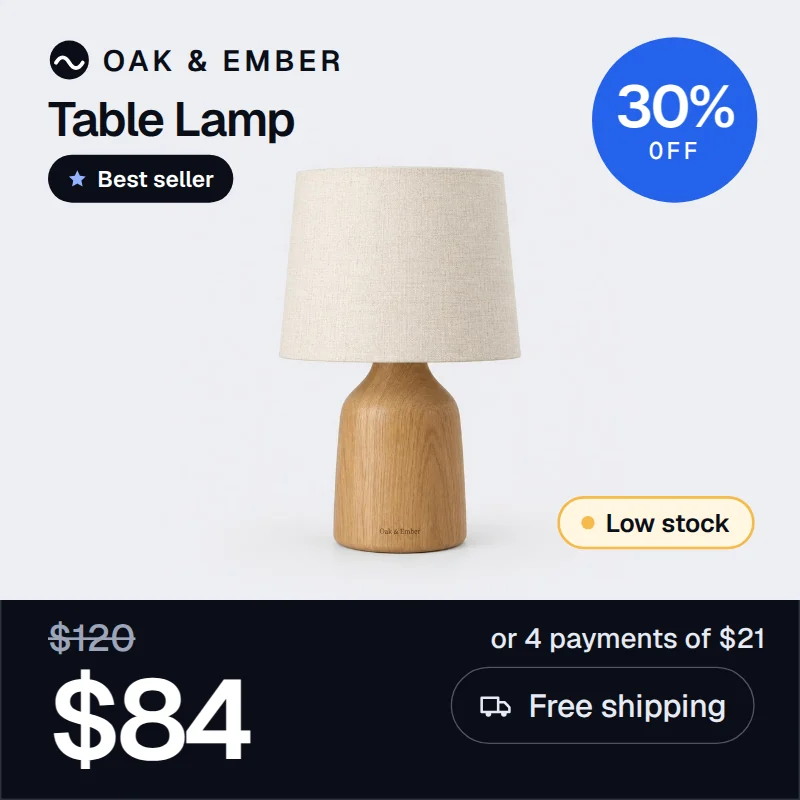
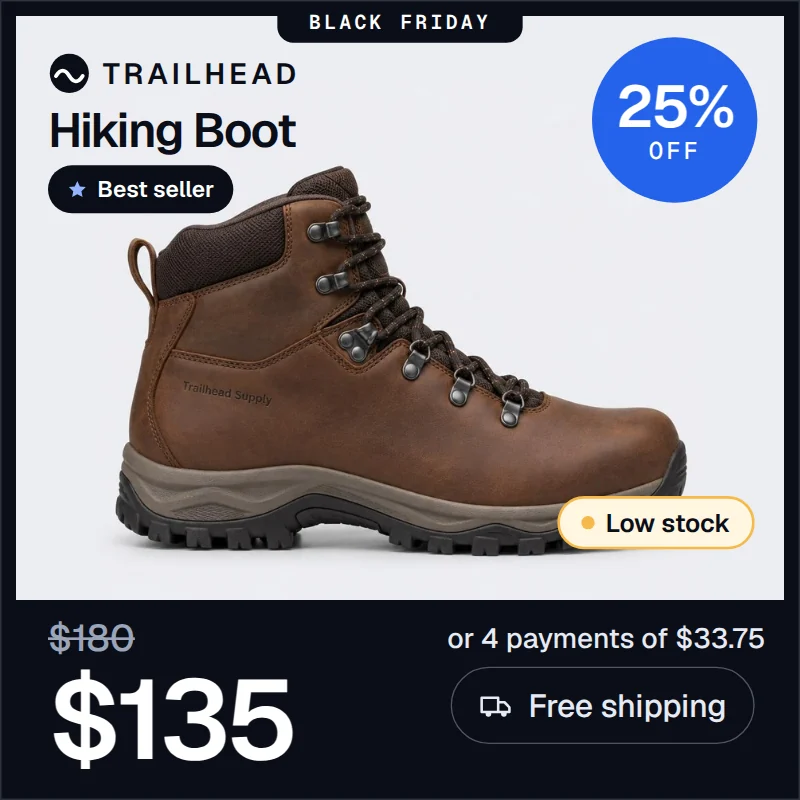
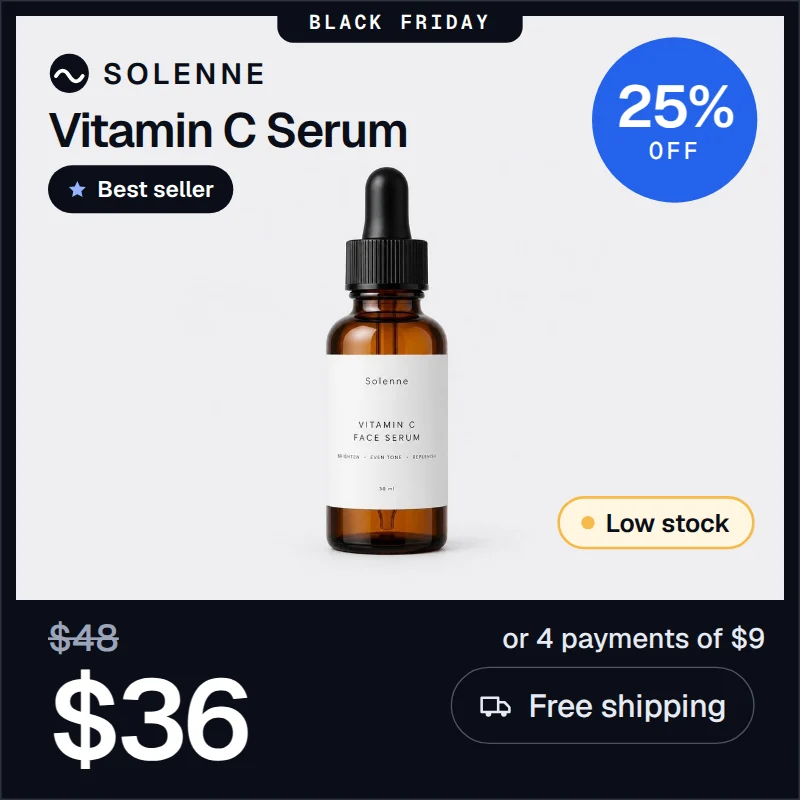
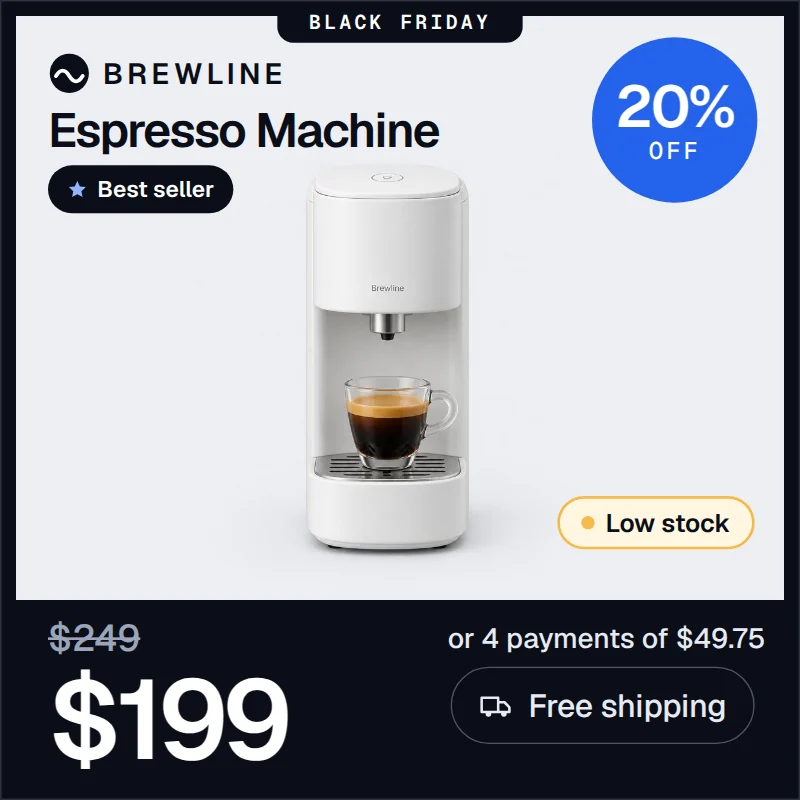
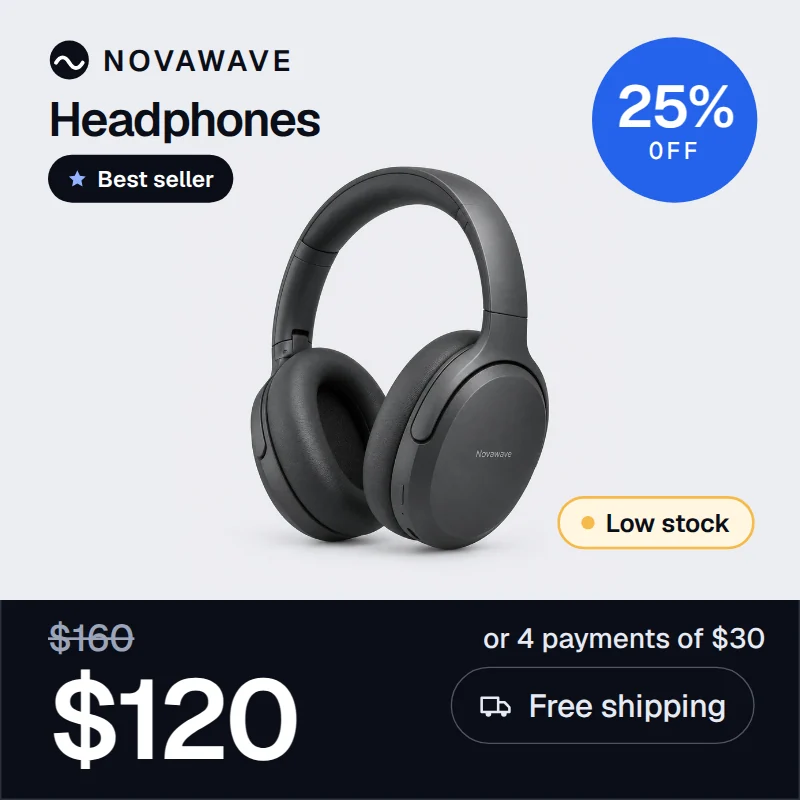
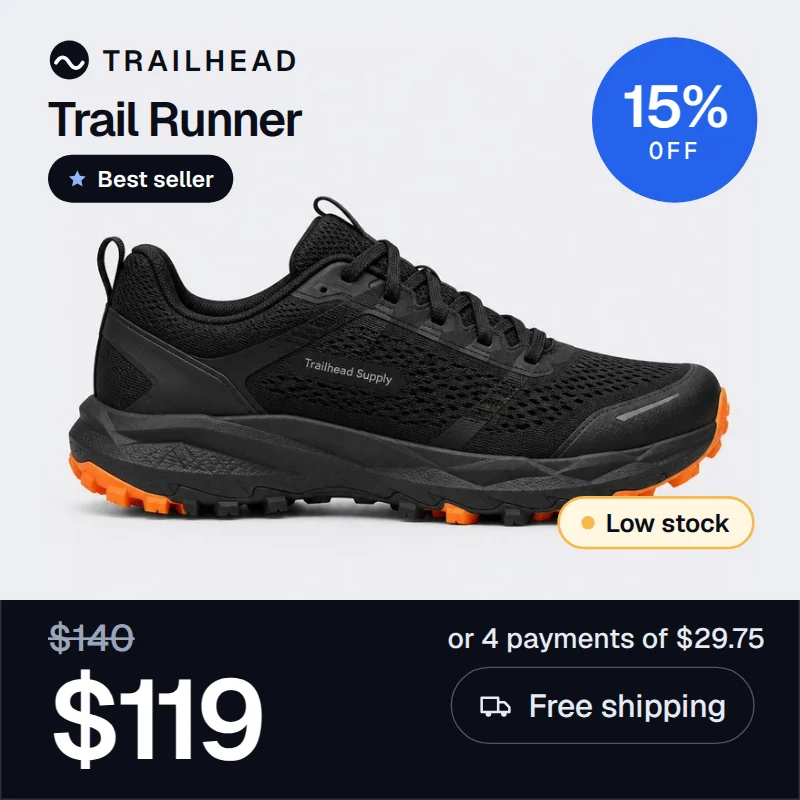

“We used to spend our days putting out fires in the feed. With IRONFEED the catalog maintains itself.”Nicolás Tricarico, CEO at Net Publicidad
A product photo is not an ad.
By default, a catalog ad shows the same photo your store uses, and the price and promo sit in small text below it. Dynamic ads move that information onto the image, where people are already looking. Drag the handle to compare.
{sale_price}{price}{price} − {sale_price}{shipping}{installment}{availability}{custom_label_0}campaign
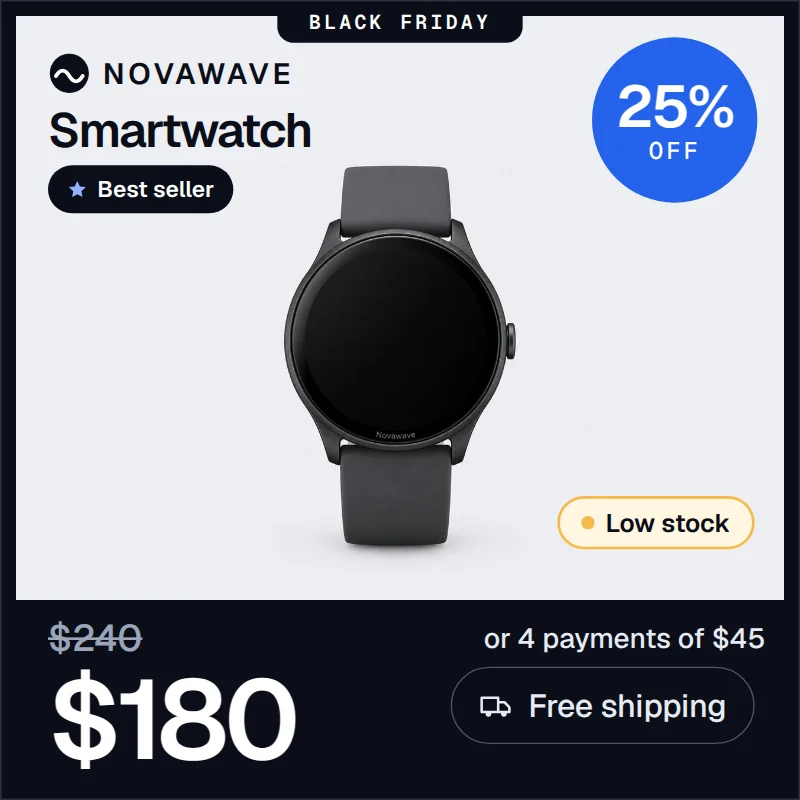 What your feed sends
What your ad shows
What your feed sends
What your ad shows
You don't build any of it.
No designer, no developer, no template editor to learn. You tell us what your ads should say. Our team does everything else, and keeps doing it when your catalog changes.
What you do
A short brief. That's the whole job.
What our team does
The parts that usually stall these projects.
- Template design✓ Handled
Built in your brand, for images and video.
- Feed connection✓ Handled
Each feed field mapped to its place on the image.
- Ongoing maintenance✓ Handled
When you need a change, we make it.
Tell us what to show
Price, stock, a seasonal frame, your brand rules. A short brief is enough.
We design and connect
We build the templates in your brand and map each feed field to its place on the image.
Your catalog ads run with it
Every product in your catalog gets its own image and video.
Great ads need clean data. That's what the engine is for.
Before a single ad is rendered, your catalog is imported, fixed with rules and audited. The same engine runs your feeds for Google Shopping, Meta, TikTok and ChatGPT Commerce, whether or not you use dynamic ads.
Visual mapping
Link your store's fields to what each channel expects. Drag and drop, no code.
Your store
Channel attributes
Rules that fix your data, then feed your ads
Conditional logic without code. Watch one messy product go through the rules.
Source productas imported
REMOVE "!!NEW!!", fix casingIF product_type CONTAINS "Mens"
THEN gender = "male"
title = vendor + model + genderLOOKUP color IN color_map
blk/org → Black/OrangeShoes > Running → Apparel & Accessories > ShoesIF stock_qty < 10
THEN custom_label_0 = "Low stock"Channel-ready outputGoogle · Meta · TikTok
One source. Every channel.
Tailor feed logic per destination from one dashboard. Inventory and pricing changes reach every channel, so your catalog, and your ads, never go out of date.
Two ways to start.
Want ads that sell from your feed without touching anything? Start with the managed service. Want to run your feeds yourself? Start the trial.
We build your ads from your feed.
- Images and video for every product
- Templates designed in your brand
- Feed connection and changes handled by our team
Run your feeds yourself.
- Visual mapping and rules, no code
- Audit before anything is published
- 14-day free trial
Questions before you decide.
Do I need a designer or a developer?
No. Dynamic ads are a managed service. Our team designs the templates, connects your feed and maintains everything. You tell us what you want to show.
What can go on the image?
Any field in your feed: price, sale price, discount, shipping, installments, stock, custom labels. Plus brand elements like your logo and seasonal frames.
Do you also make videos?
Yes. Dynamic videos use the same template and the same feed data as the images, in motion. Each product gets its own clip.
Where does my catalog come from?
IRONFEED imports your catalog from your store platform or from an existing product feed. See the integrations page for the full list.
Does IRONFEED support multi-store setups?
Yes. IRONFEED supports multiple stores and brands from a single account on Growth and Scale plans, with isolated mapping rules and dedicated feed exports per shop.
How do variants and sizes work?
Each variant is a discrete row in the feed, with size and color normalization via lookup tables, so fashion, footwear and apparel catalogs stay compliant.
See your own catalog turned into ads.
Tell us about your store and what you'd like your ads to show. We'll set up a demo on your products.
Not sure your feed is ready? Run the free feed audit: 25+ checks in under 60 seconds.